

A hike safety app
get lost…
get found
True Freedom meets Ultimate Responsibility.
Tell a server where you are going and when you will be back. If you do not check in, FriendsFindMe alerts the people you trust so they can come and find you.
How it works
Four steps to peace of mind
Choose your adventure
Enter your plan: the hike, ride, paddle or trip you are heading out on.
Pick your return time
Set the time you expect to be back and safe.
Pick people you trust
Choose the friends and family who should know if something goes wrong.
Get back, or get found
Check in and nothing happens. Miss your return time and an SMS goes to your people so they can come and find you.
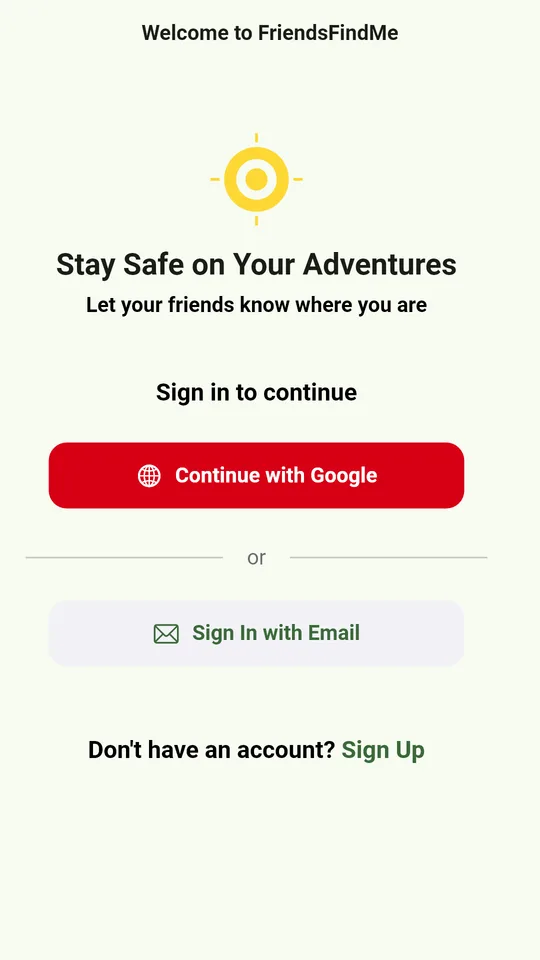
Sign in with Google or email 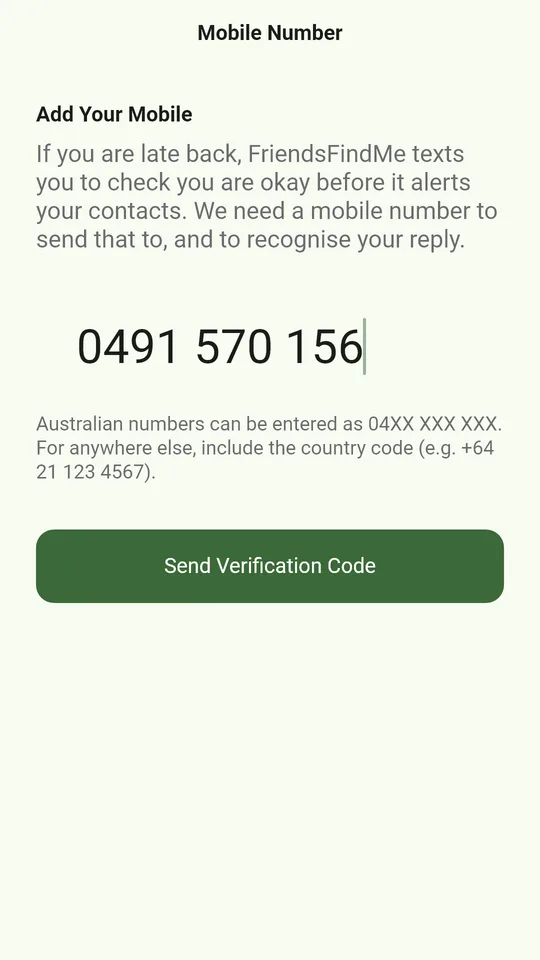
Your mobile number, where your reminders go 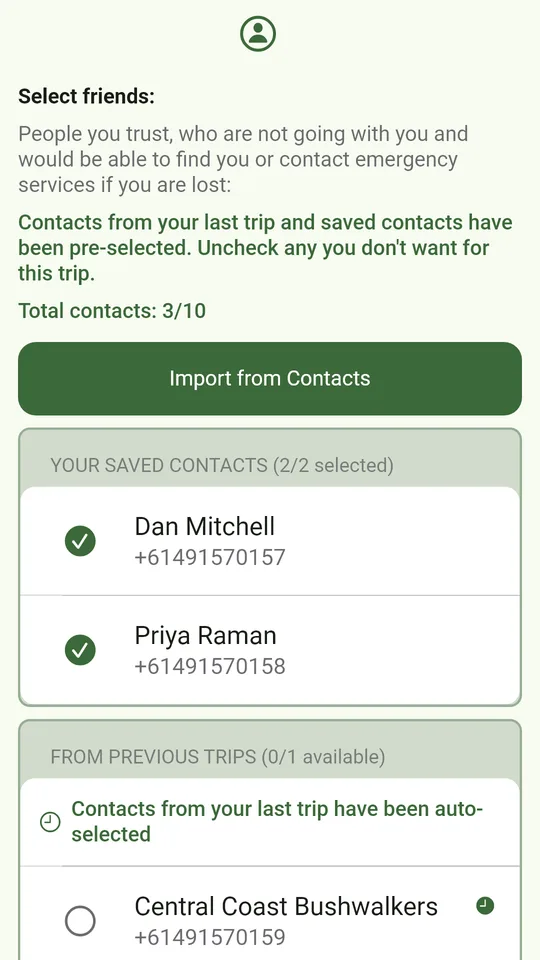
The people who get a text if you are not back in time 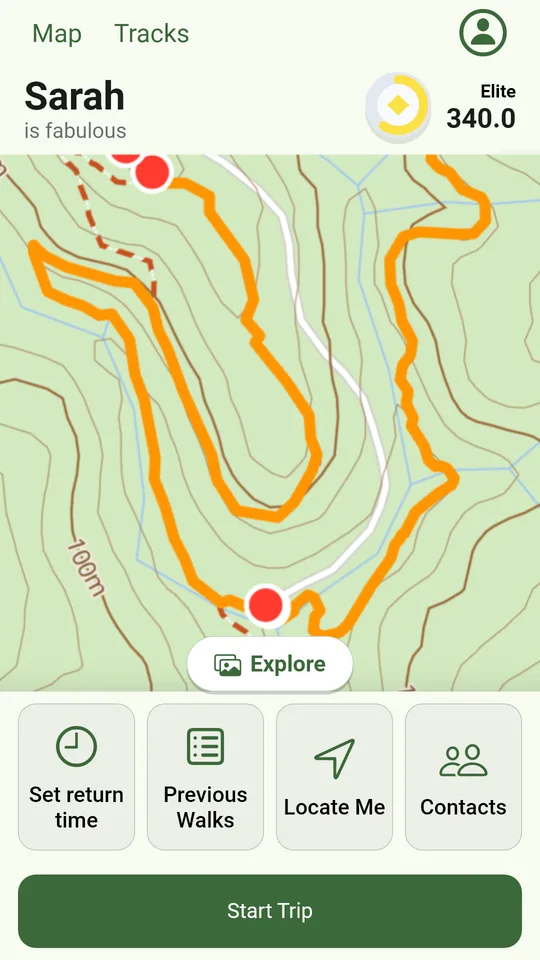
Walks near you on the map, with your trip controls underneath 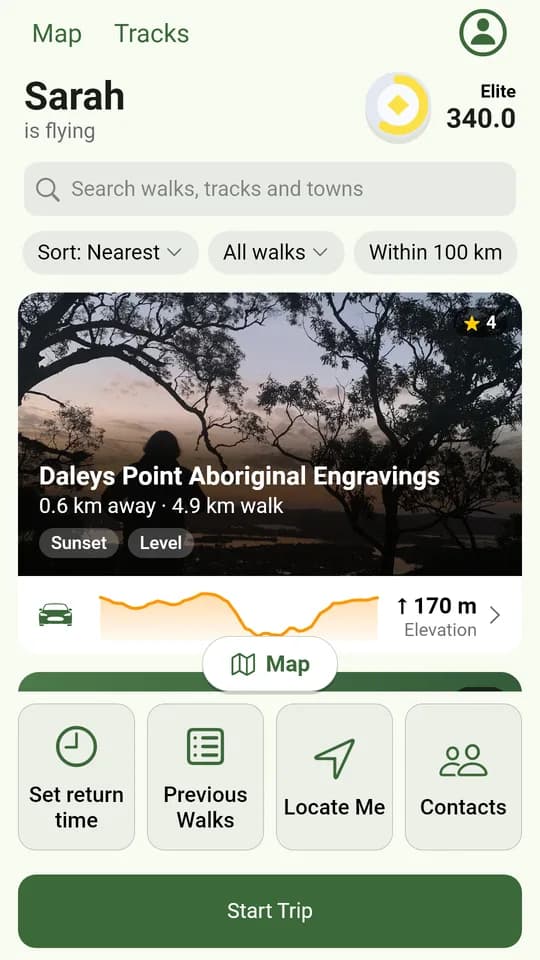
Explore walks by photo, with the climb and driving directions 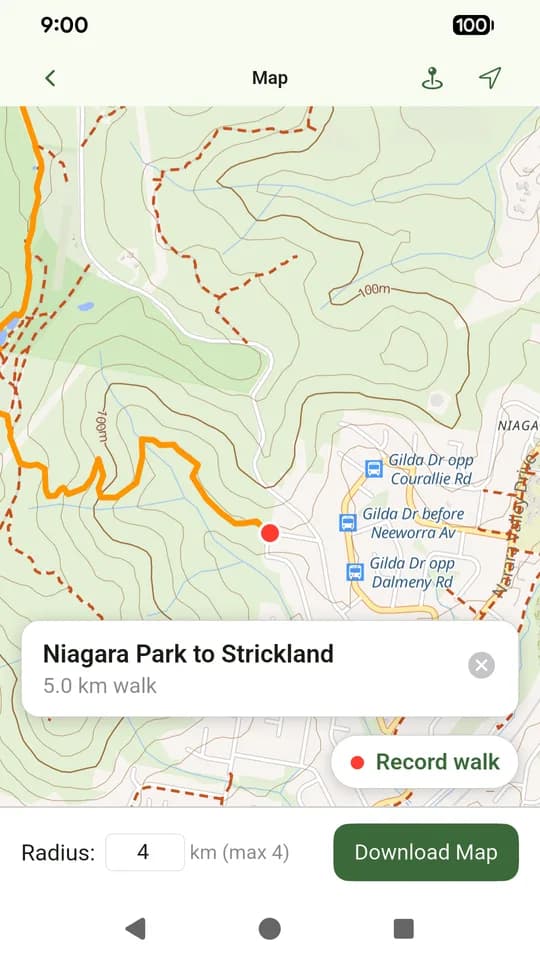
Download the map around a walk for when there is no signal 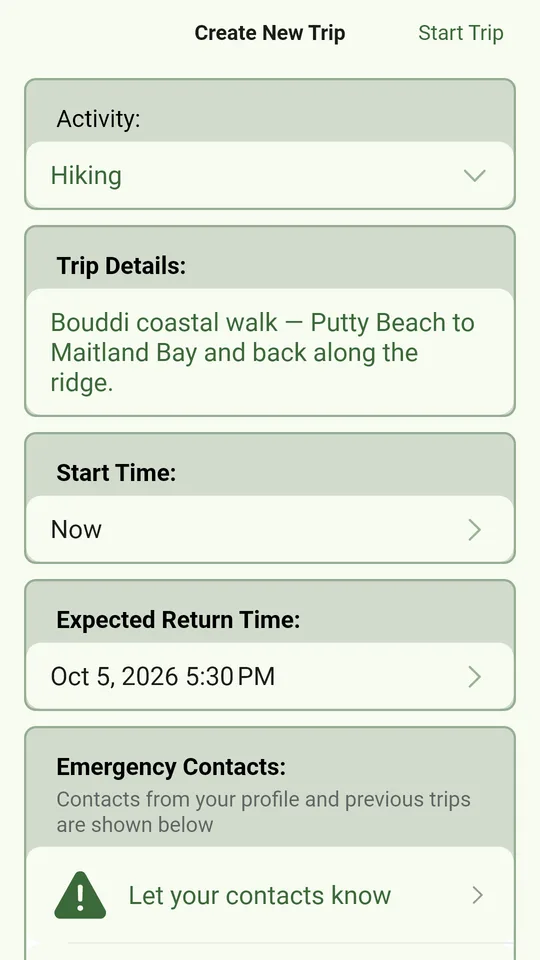
Start a trip: what you are doing, when you will be back and who to tell 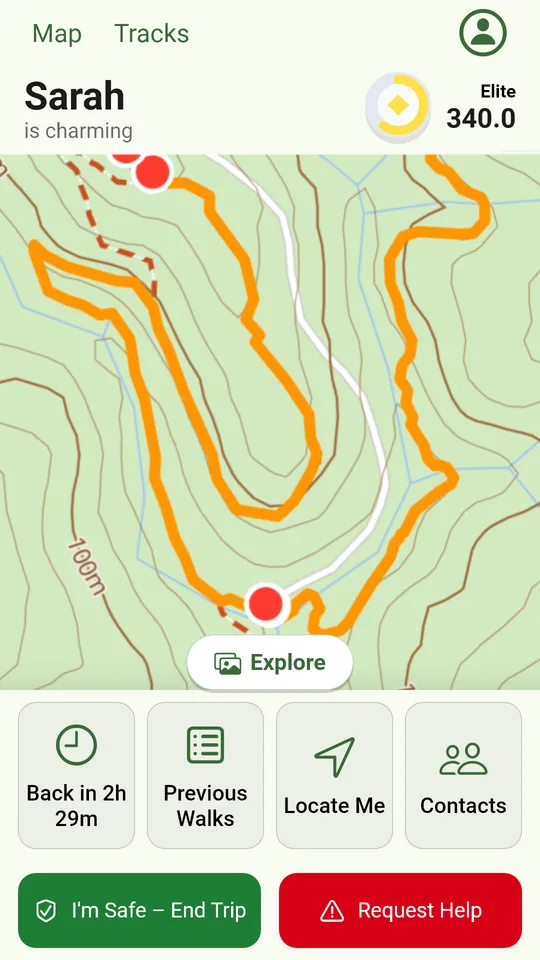
A trip under way: the time until you are due back, I'm Safe and Request Help
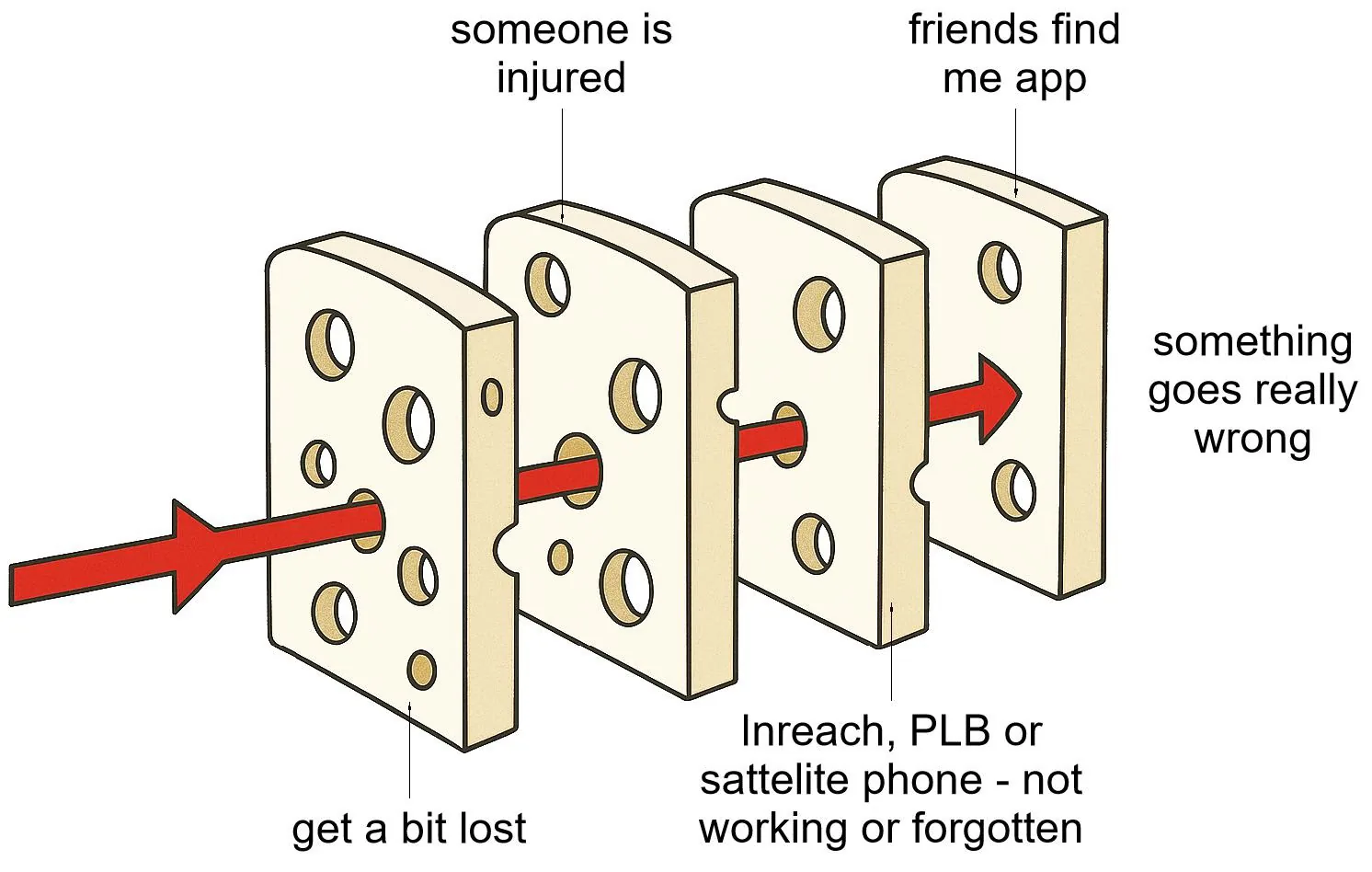
Another slice of cheese
A safety net, not a substitute
The Swiss Cheese model of how accidents happen: it is usually several things going wrong, not just one. This app is not designed to replace a satellite phone, inReach or PLB (personal locator beacon), so still take those. It is another slice of cheese to help stop things going really wrong.
The first rule of remote first aid is to let someone know where you are going. Send your adventure to a server, and if you do not get back it sends an SMS to your friends. Get back in time and no message is sent.
3,810 walks around Australia
Choose your Adventure
Search for a walk, pick a state, or tap a dot on the map to open that walk.
Loading the map…
- © State of New South Wales (NSW National Parks and Wildlife Service), CC BY 4.0
- © OpenStreetMap contributors, ODbL
- © State of Victoria (Department of Energy, Environment and Climate Action; Department of Jobs, Skills, Industry and Regions), CC BY 4.0
- LIST Transport Segments from theLIST © State of Tasmania, CC BY 3.0 AU
- Queensland Parks and Wildlife Service access © The State of Queensland 2025, CC BY 4.0
- Recreation Trails © Crown in right of the State of South Australia (Department for Environment and Water), CC BY 4.0
The one time it matters
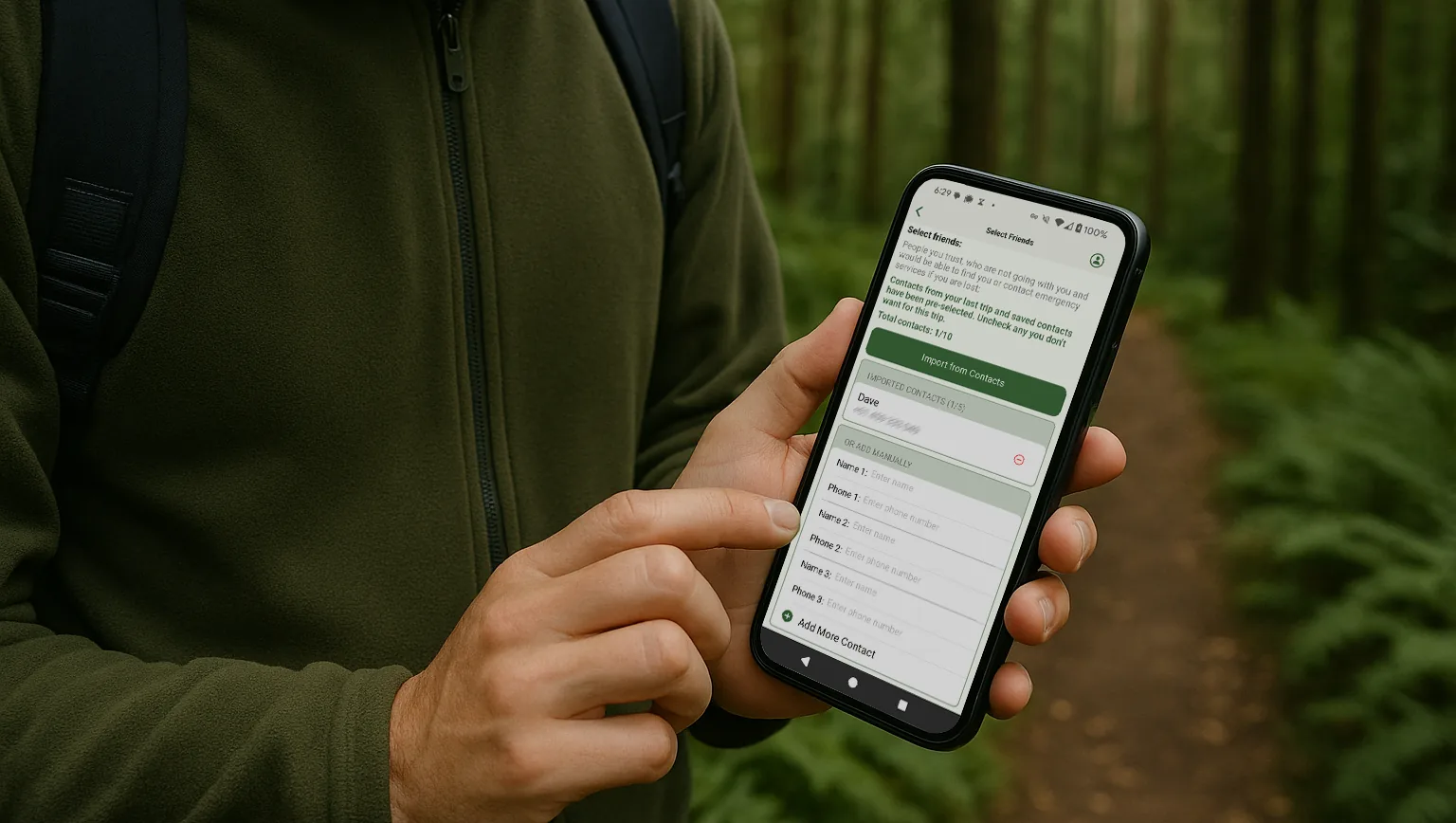
Pick people you trust
Choose the friends and family who should know if you do not make it back in time. They are only contacted if you miss your return time.
There are a lot of people who love you. Take care of them by using this app so they can find you if you are in trouble.
If you do not get back in time
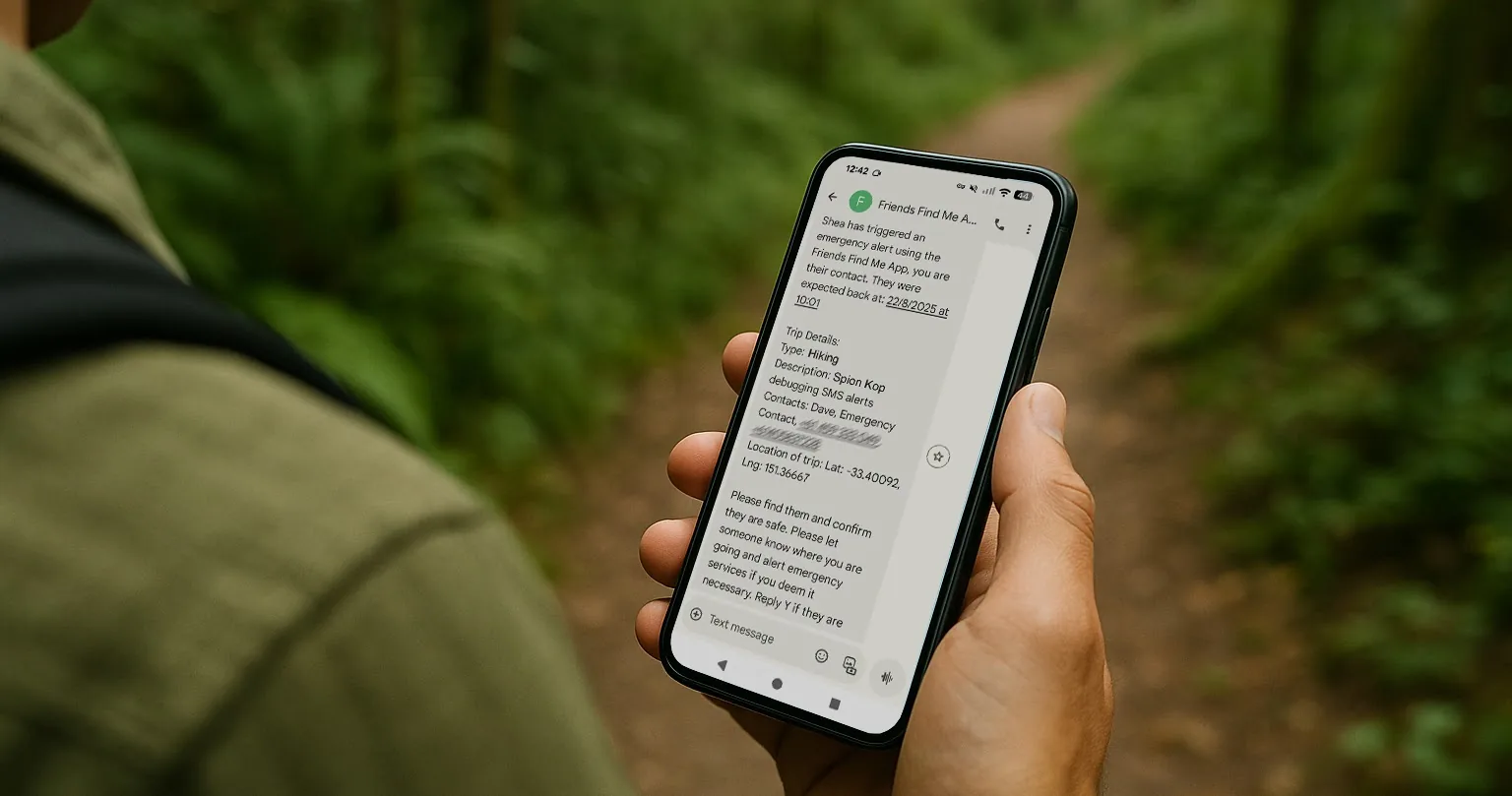
Your people are alerted
An SMS goes to your trusted contacts so they can come and find you, or alert emergency services.
Get the app
Take FriendsFindMe with you
FriendsFindMe is on Google Play now, with offline maps and every walk on this site. The iPhone app is on its way.
Get the App