
 Shea CullenGood Architect, bushwalker, ex Bush Search and Rescue & Gosford SES · Updated 18 July 2026
Whether you're hiking, camping, or just navigating through unfamiliar terrain, having a compass on hand can be a lifesaver. But did you know that your smartphone likely has a built in compass that can help you find your direction when you need it most? This guide will show you how to find and use the compass on your phone, ensuring you’re never lost, especially when you're venturing off the beaten path.
In addition to the compass, it’s important to stay connected to loved ones during your outdoor adventures. That’s where the Friends Find Me hiking safety app comes in. While your compass will help you with direction, the Friends Find Me app will help you stay safe by notifying your emergency contacts if you’re overdue or unresponsive. Together, the compass and app provide a reliable way to explore the outdoors with confidence.
Read on to discover how to find your compass on both Android and iPhone devices, and how the Friends Find Me app can further enhance your safety by tracking your hikes and alerting your friends and family in case of an emergency. Whether you’re a seasoned hiker or just starting out, knowing how to use your phone's compass is an essential skill for outdoor navigation.
How to find the Compass on your iPhone
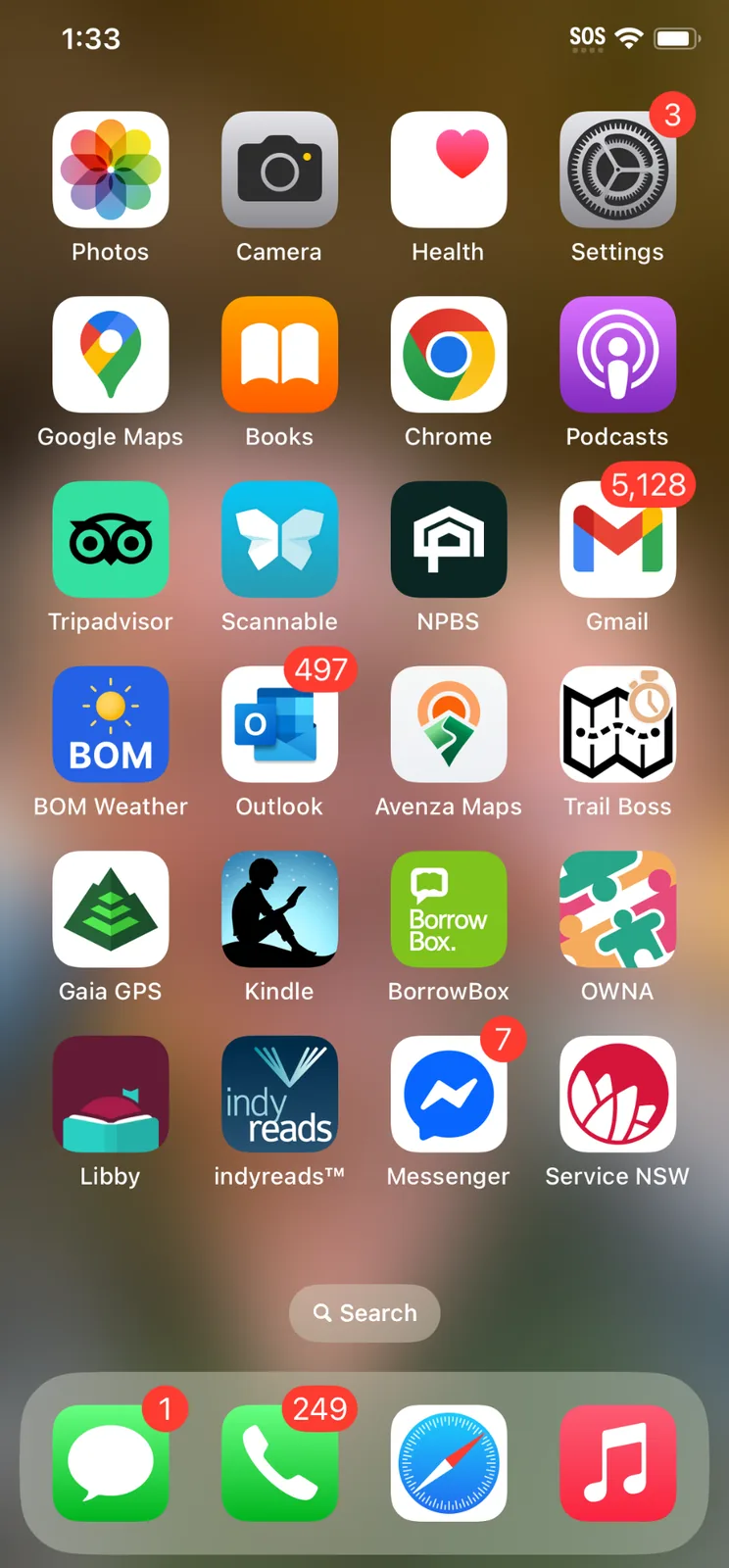
Simply type compass into the search bar at the bottom of your home page, click on the inbuilt compass app that comes up and it will take you to the iPhone Compass.
- Type in Search bar "compass"
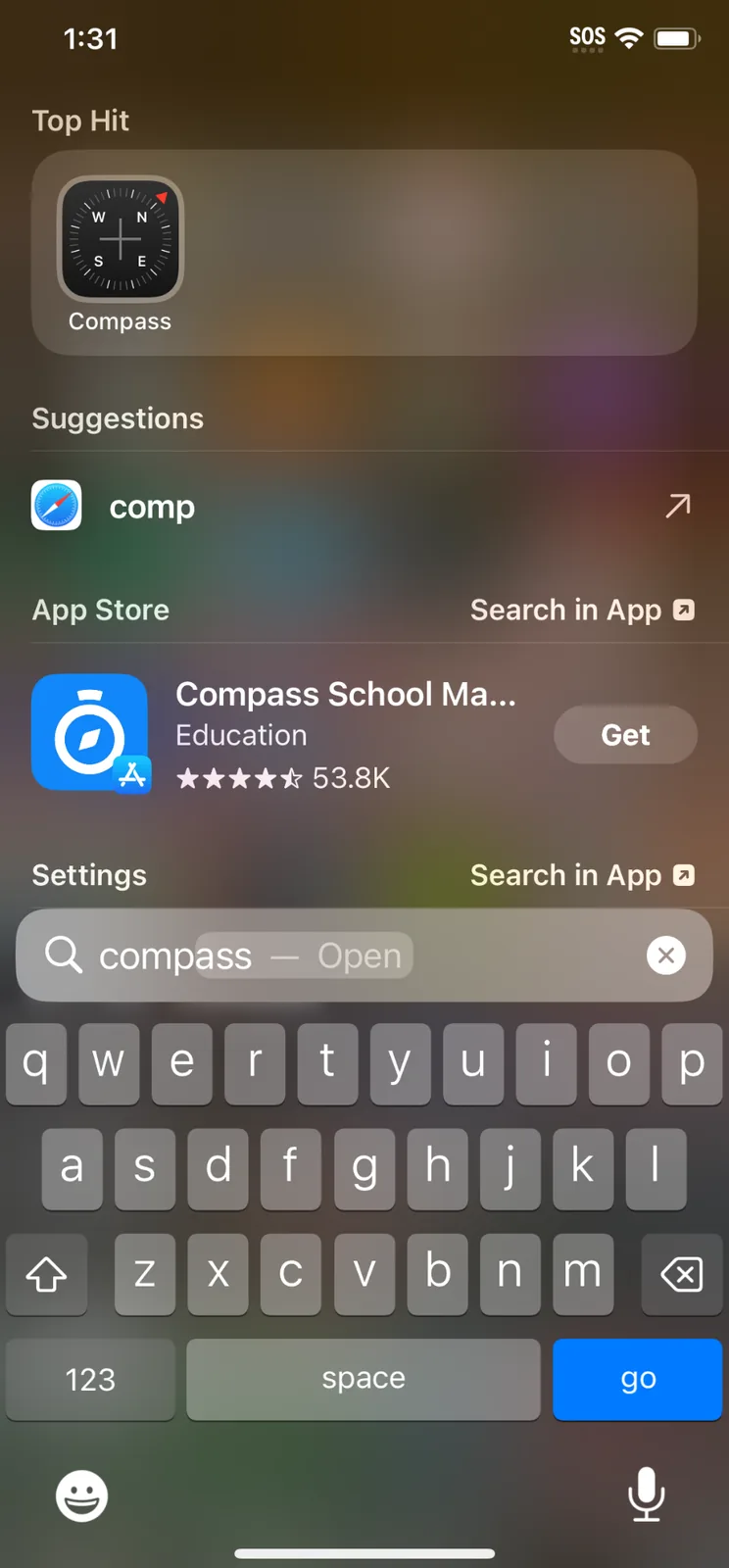
- Select Compass App
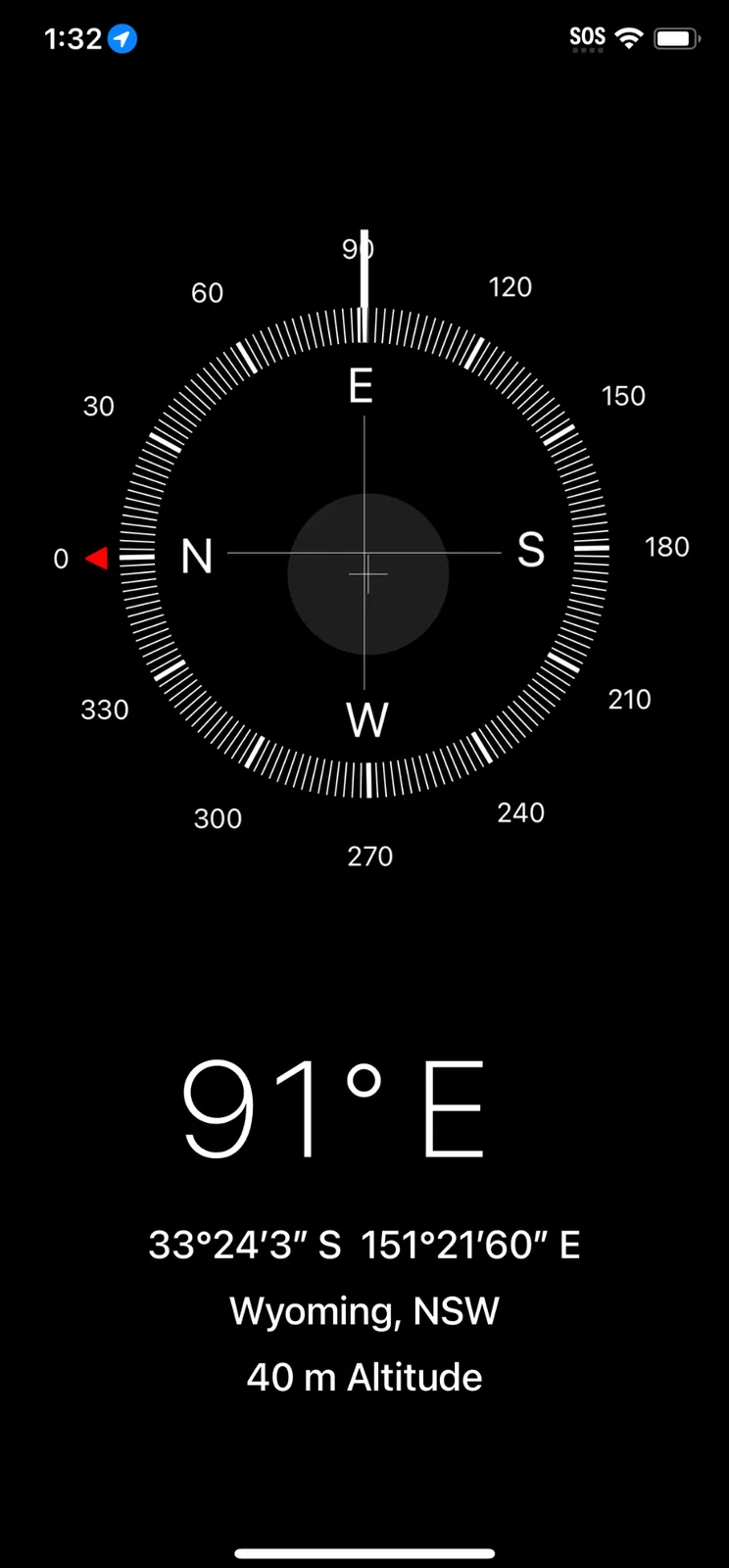
- Read direction from Compass
How to find the Compass on your Pixel
Google does not offer a built in compass so you need to download one. Here are the best rated:
-
Compass Steel
Features: Displays magnetic and true north, altitude, and GPS coordinates.
Best for: Users desiring a simple, ad free compass with essential features.
Availability: Free.
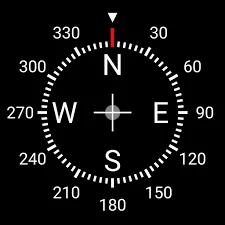
2. Digital Compass
Features: Offers both magnetic and true north headings, latitude, longitude, altitude, and magnetic field strength.
Best for: Users seeking a straightforward, ad free compass with essential navigation data.
Availability: Free with optional in app purchases.

3. Compass and Altimeter
Features: Shows direction, altitude, latitude, longitude, magnetic field strength, and sunrise/sunset times.
Best for: Outdoor enthusiasts needing elevation data along with directional information.
Availability: Free with optional in app purchases.
How the Friends Find Me App Fits In
When you’re out in the wilderness, whether hiking, camping, or simply exploring, knowing where you are and the direction you’re heading is vital. Your phone’s compass helps you with one part of the puzzle, giving you the navigation tools to understand your surroundings and stay on track. However, navigation is just one aspect of outdoor safety. That’s where the Friends Find Me hiking safety app comes in, enhancing your journey by ensuring you’re not only aware of your location but also connected with those who matter most.
So, as you head out on your next adventure, take advantage of these apps to find the right direction, and use Friends Find Me to make sure your loved ones know you’ll be coming home safe.
Happy bushwalking!